
1. What’s Happening & When
- Samsung has announced a beta launch of Samsung Internet for Windows PCs (both Windows 10 version 1809+ and Windows 11) in the United States and South Korea, beginning October 30, 2025. (Samsung Global Newsroom)
- The browser has been available on Android (and Tizen in some contexts) for many years, but this marks its full-fledged push into the desktop PC space. (SamMobile)
- Initially it’s a beta programme; rollout to other regions (and stable version) are planned “later”. (9to5Google)
2. Key Features & Capabilities
Here are the core features of the PC version — many inherited from the mobile version, with PC-specific twists:
| Feature | Description |
|---|---|
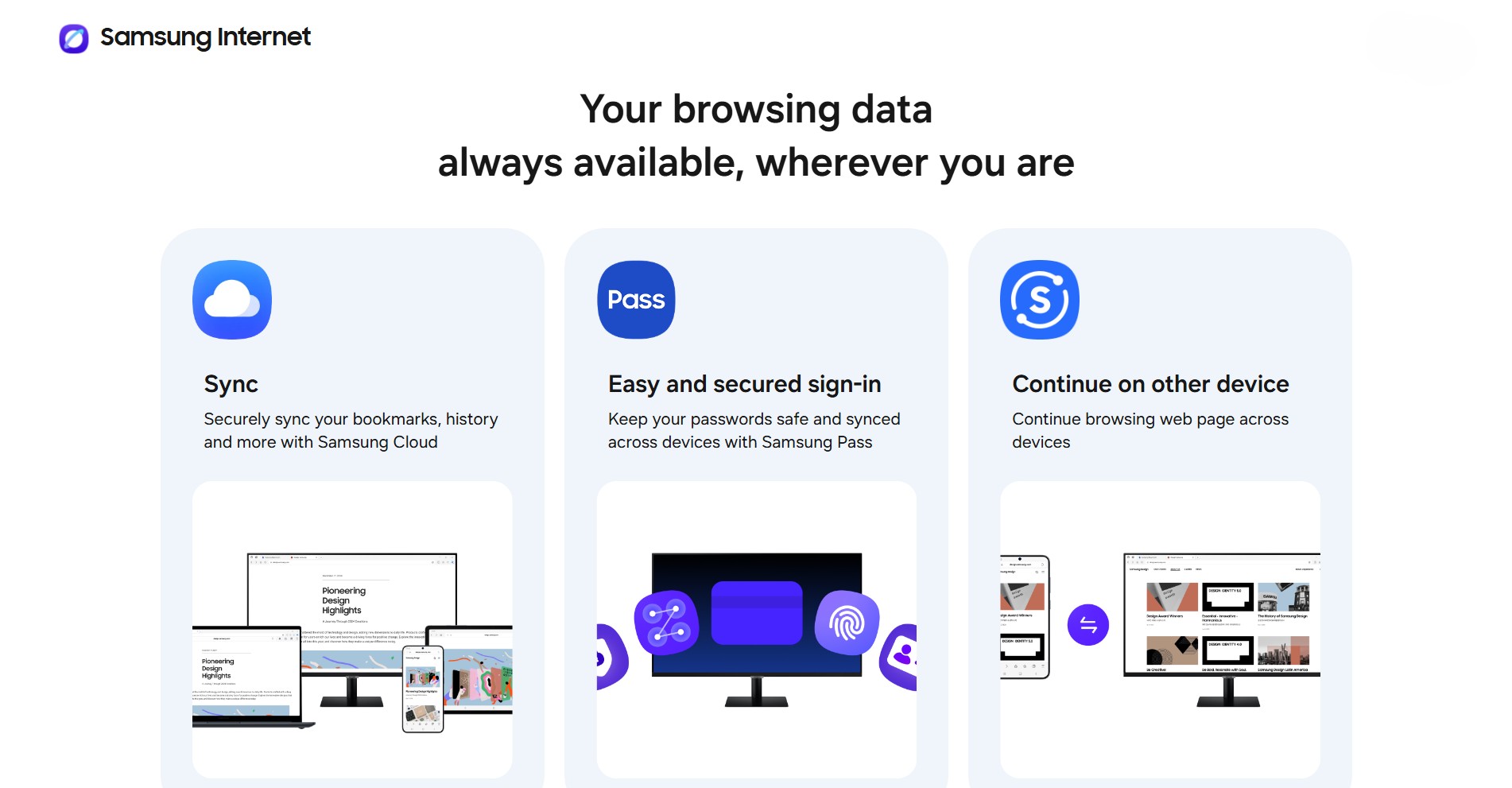
| Cross-device sync | Syncing of bookmarks, browsing history, saved login data (via Samsung Pass) between Android devices and the PC version. (Samsung Global Newsroom) |
| “Continue where you left off” / session hand-off | A user browsing on their phone or tablet can switch to PC and pick up in the same session (if signed into same Samsung Account) and vice-versa. (Samsung Global Newsroom) |
| AI-powered Browsing Assist | Built-in AI features (part of Samsung’s “Galaxy AI” vision) such as webpage summarisation, translation of text on pages, and possibly intelligent suggestions. (SamMobile) |
| Privacy & anti-tracking tools | Features like Smart anti-tracking (blocking third-party trackers), a Privacy Dashboard showing how many trackers/ads were blocked, a “Secret Mode” (i.e., incognito) etc. (SamMobile) |
| PC-specific UI/UX enhancements | For example: Split-view support (browse two pages side by side or top/bottom), dark mode, support for extensions (e.g., Chrome Web Store extensions) etc. (SamMobile) |
3. Requirements & Installation Notes
- Compatible OS: Windows 10 (version 1809 or later) or Windows 11. (SamMobile)
- Beta is currently limited to certain regions (US & South Korea) for now. (SamMobile)
- PC version supports both x86 (traditional Windows PCs) and ARM-powered Windows devices (e.g., Surface Pro with ARM, Galaxy Book with ARM) as per SamMobile’s report. (SamMobile)
- To install: Visit Samsung’s beta programme page (Samsung Newsroom article gives link) for enrolment. (Samsung Global Newsroom)
4. Why Samsung is Doing This — Strategic Motives
From an ecosystem / device-strategy vantage (and with a bit of communication-analysis flavour):
- Samsung is extending the “Galaxy ecosystem” beyond mobile devices (phones, tablets) into PCs. Having the same browser across devices strengthens brand-lock-in and continuity.
- By offering PC browser sync + AI features, Samsung aims to compete with the incumbents (Google Chrome, Microsoft Edge, etc) and provide a differentiated experience for Galaxy-device users.
- The inclusion of AI features (summary, translation) signals Samsung’s move into “intelligent browsing” rather than just “web navigation” — aligning with the broader trend of AI-assisted interfaces.
- For users in multidevice workflows (phone ↔ tablet ↔ PC) this offers a smoother transition and may help Samsung retain users within its ecosystem.
5. What It Means for Users — Pros & Cons
Pros:
- If you’re already using Samsung phones/tablets, this gives you a unified browser experience on PC: your history/bookmarks follow you.
- The AI-features (summarizing pages, translating text) can boost productivity especially if you do research, content ingestion, reading long articles etc (which might interest you given your research-oriented background).
- Stronger privacy tools built-in may appeal to users concerned about trackers/ads.
- Since it supports extensions, you can bring your workflow from Chrome/Edge into Samsung’s browser (if you choose).
Cons / Things to watch:
- It’s a beta — so might have bugs, missing features, limited region support.
- Browser-market inertia: many users are deeply invested in existing browsers (Chrome, Edge, Firefox) with large extension ecosystems, sync across platforms, etc. Switching browser is sometimes more friction than it’s worth.
- The full utility of “syncing across devices” presumes that you have a Samsung account, and devices that support the ecosystem. If you use non-Samsung devices (especially on the PC side), that potential benefit decreases.
- AI features may raise questions: Will they require cloud processing? How is user data handled? Will performance on PC match user expectations?
- Region / rollout limitations: If you’re in Pakistan (as I note your location), you may not yet have local availability or support/have to jump through hoops.
6. Implications for the Browser Market & Ecosystem
From a content / communication studies perspective (which I know interests you):
- This move underscores how browser development is no longer just about rendering HTML/CSS/JavaScript — it’s about ecosystem continuity, device-sync, AI features, privacy features. Browsers are becoming hubs for cross-device identity, data sync, and AI-mediated browsing experiences.
- It also indicates the increasing importance of device-ecosystem lock-in: the more your phone, tablet and PC share a browser (and features), the more friction for users to switch to a competitor.
- For publishers/content creators (which you are, in part), a browser that offers summarisation or translation may affect how your audience consumes content: e.g., users might breeze through summaries rather than full articles, which raises questions about how to design content for attention in this context.
- Privacy tools built into browsers are increasingly differentiators in a market saturated by Google/Chrome dominance. Samsung emphasizing anti-tracking is a signal of shifting user expectations and competitive strategy.
7. How It Affects You (and What You Can Do)
Given your interests — tech, web-content, website operations, writing/blogging — here are some actionable thoughts:
- If you have access (US/Korea) or once the rollout expands, try the beta of Samsung Internet on PC yourself: test how sync works with your mobile, see if the AI features (summary, translation) deliver value for you (especially researching mathematics/tech topics).
- Think about how the “browsing assist” feature (summary, translation) might influence how you write or present content. For example: if many users now read generated summaries rather than full articles, you might want to craft article intros that are useful even standalone.
- On your web-store / tech blog operations: keep an eye on browser-market share changes. If Samsung Internet (PC + mobile) gains traction, ensure your content is optimised for that browser: e.g., test layout, any browser-specific quirks, privacy-tracking block implications (ad-blocking etc).
- From a research angle: this shift is a case-study in “multi-device browsing continuity” and “AI in browser UI” — could be interesting for you (given your interest in “why” and foundational knowledge) to explore how browsers are evolving beyond “just browsers”.
- If you’re outside the initial regions (i.e., Pakistan), see when Samsung announces rollout for other regions; you might have to wait or use workarounds (though caution: betas may not be fully supported).
8. Possible Limitations & What’s Not Yet Clear
- While the features list is extensive, performance on PC (especially older machines or ARM devices) remains to be tested; beta version may be less stable.
- Extension ecosystem dependency: even though support is claimed (e.g., Chrome Web Store extensions), actual compatibility/behaviour may vary — everything from UI to default settings might differ.
- Data privacy and AI-feature details: How much data is processed locally vs in the cloud? What’s the GDPR/region-specific compliance? The high-level announcements mention “trusted foundation of privacy and security”. (Samsung Global Newsroom)
- Roll-out timeline for global regions is vague — users in Pakistan may have to wait.
- Adoption resistance: people may not switch browsers just for sync or AI unless the benefits are compelling; existing habit + extension investments are strong switching barriers.
9. Summary
In summary: Samsung is making a strategic move with its browser by bringing Samsung Internet to PC in a beta form, emphasising multi-device continuity, AI-powered browsing features, and strong privacy/tracking protections. For users embedded in the Galaxy ecosystem, this could be a compelling option. For content creators, researchers, and tech-savvy users (like you), this signals an interesting shift in how browsing across devices will evolve, and how content consumption might adapt to AI-augmented browsers.